







Price Starts From
49¢
Per Image
Price Starts From
49¢
Per Image
Price Starts From
49¢
Per Image
Price Starts From
49¢
Per Image
Background Removal Results You Can See
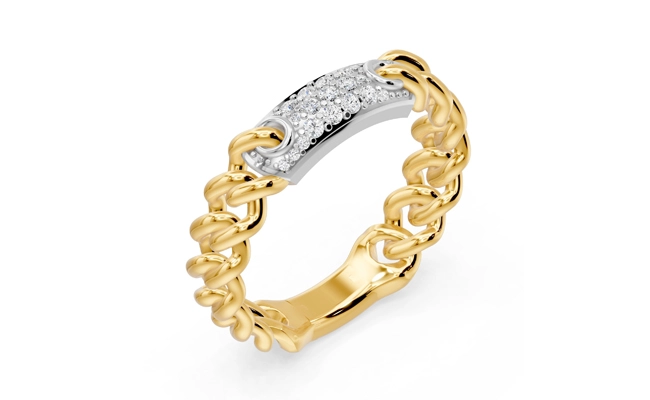
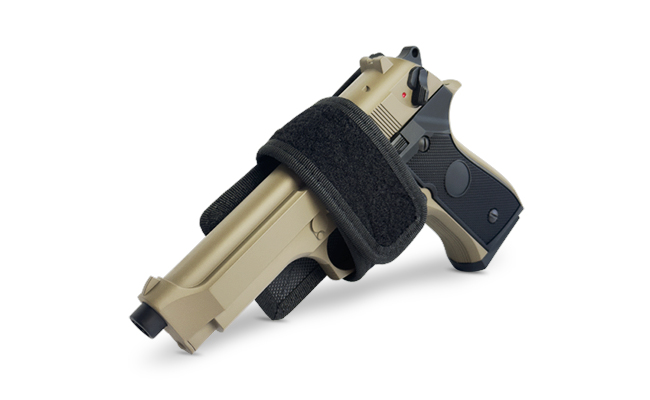
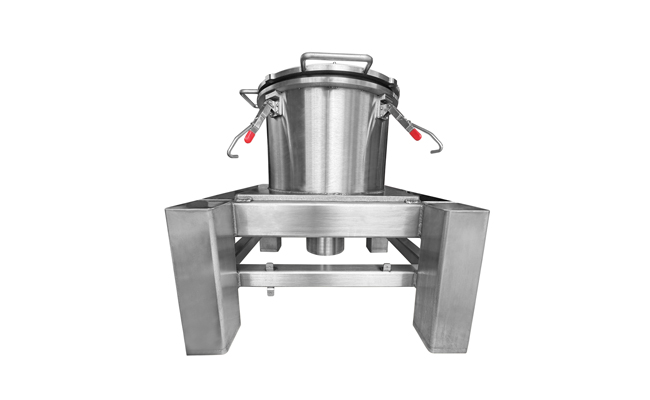
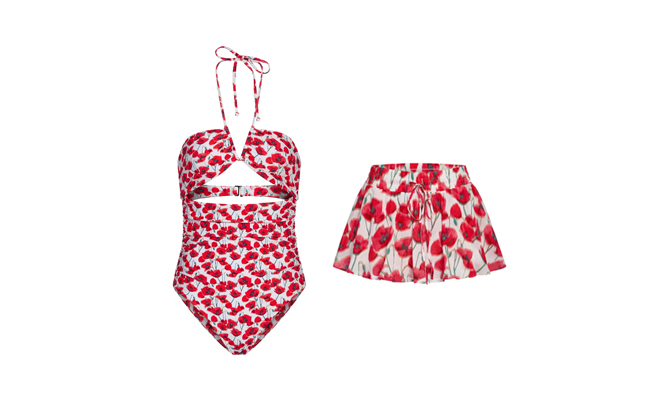
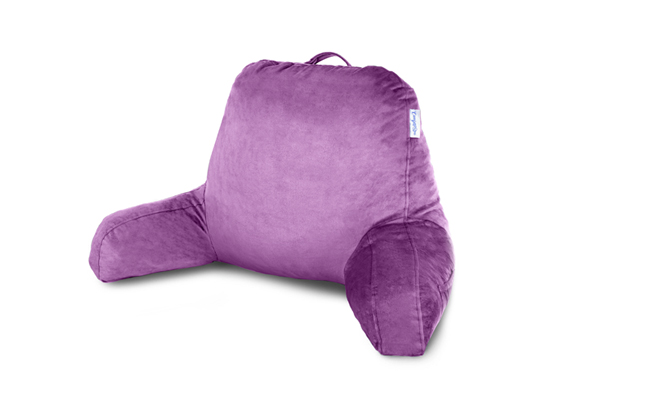
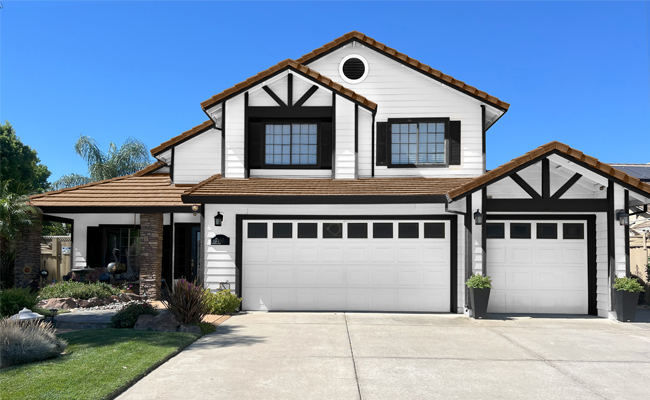
Our background removal and clipping path work delivers clean edges, accurate cutouts, and natural presentation across different product types. These before-and-after examples show how precise background removal improves focus, consistency, and visual quality for eCommerce, catalogs, and marketing use.

Starts from $6 per photo
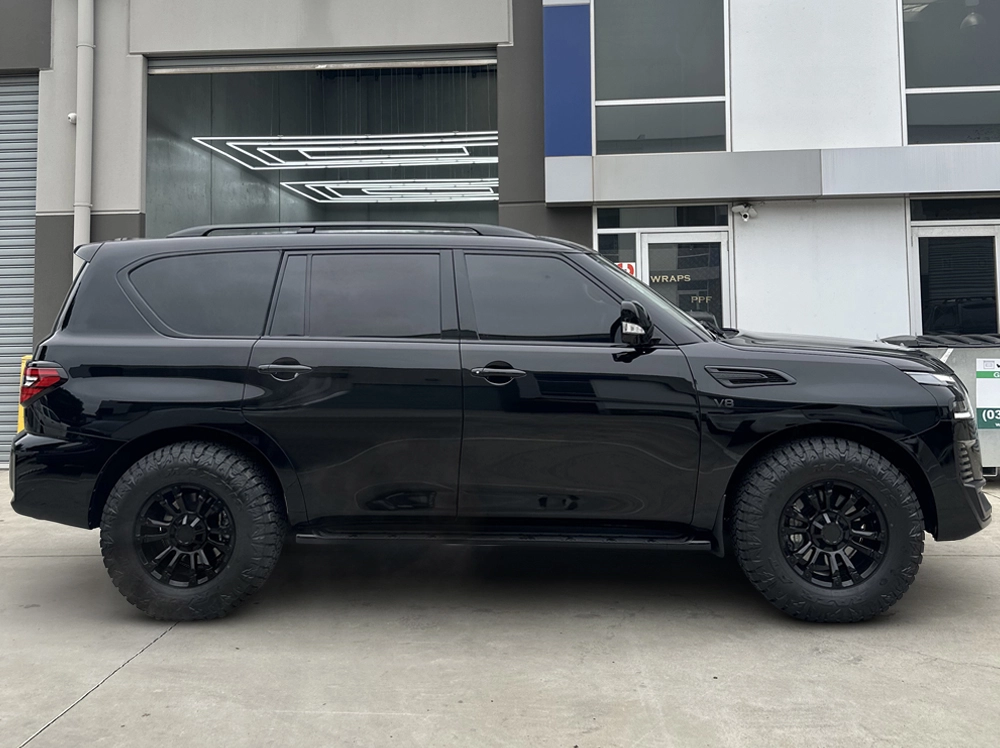
Do You Do a Car Background Removal Service?
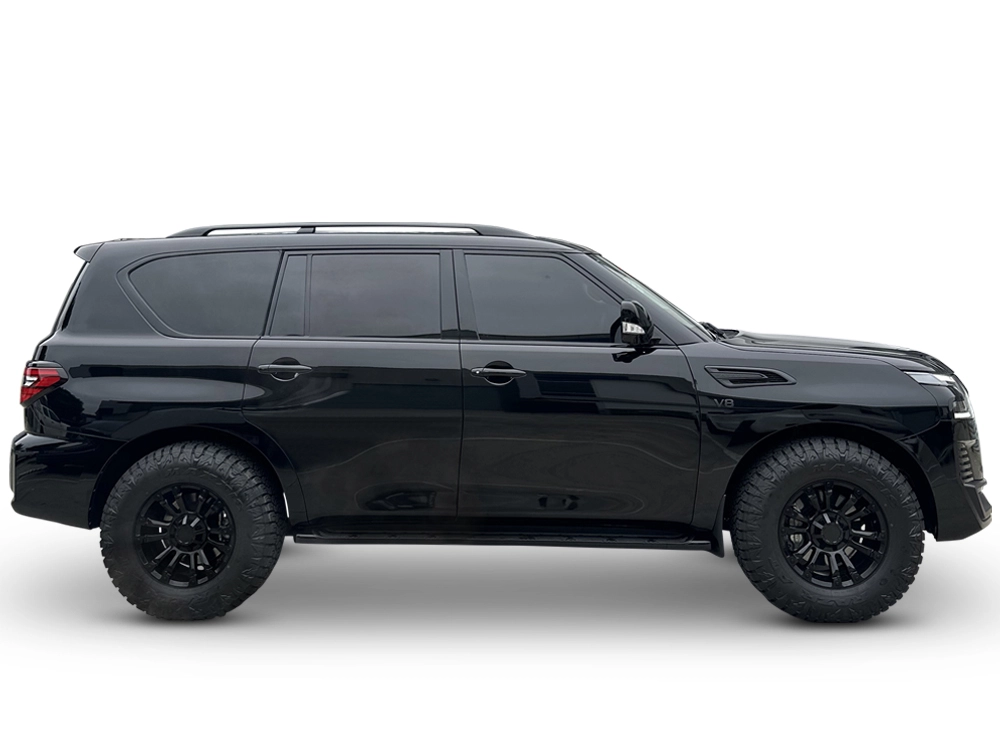
Yes, our prime car background removal service takes cars off crude streets to place them on clean, bright show floors. Cars show their messy world. Glass panes catch bad tree views. To fix this, our team clips the car, swaps the glass view, and draws smooth curves right on the steel frame for a grand shop display. As a result, your car ads will look far more sharp.

Starts from $6 per photo
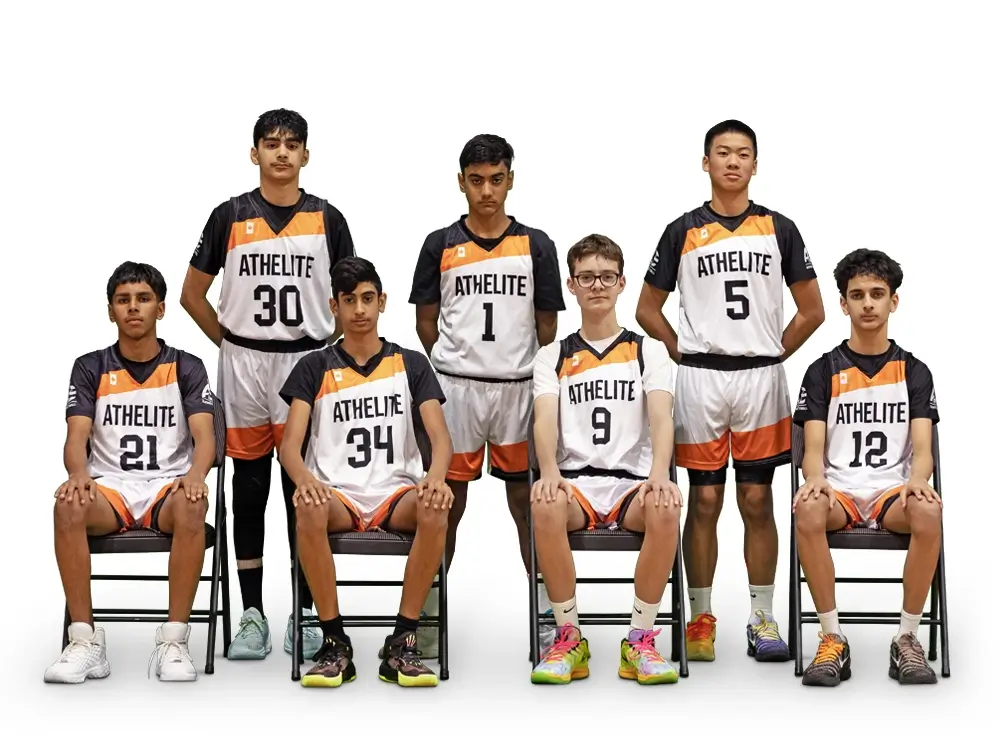
Can You Do a Group Photo Background Removal Service?
Yes, our group photo background removal service pulls big crowds off bad drops with deep care. Folks stand quite close. Big groups form odd, mixed shapes. We trace them with high skill. By zooming in tight, we catch each stray hair and thin arm line, making sure the whole team shot looks crisp, real, and primed for your web page. In short, huge group cuts ask for top pro care.

Starts from $6 per photo
What About a PDF Background Removal Service?
A PDF background removal service pulls out marks, names, or draw shapes safely from flat sheets for your ad tools. Flat files need safe pulls. We pull text parts quite smooth. Though text sheets seem plain, pulling drawn things from a blank white or dyed page asks for tight dot care to dodge blur on big scales. In short, flat file pulls keep your brand lines sharp.

Starts from $6 per photo
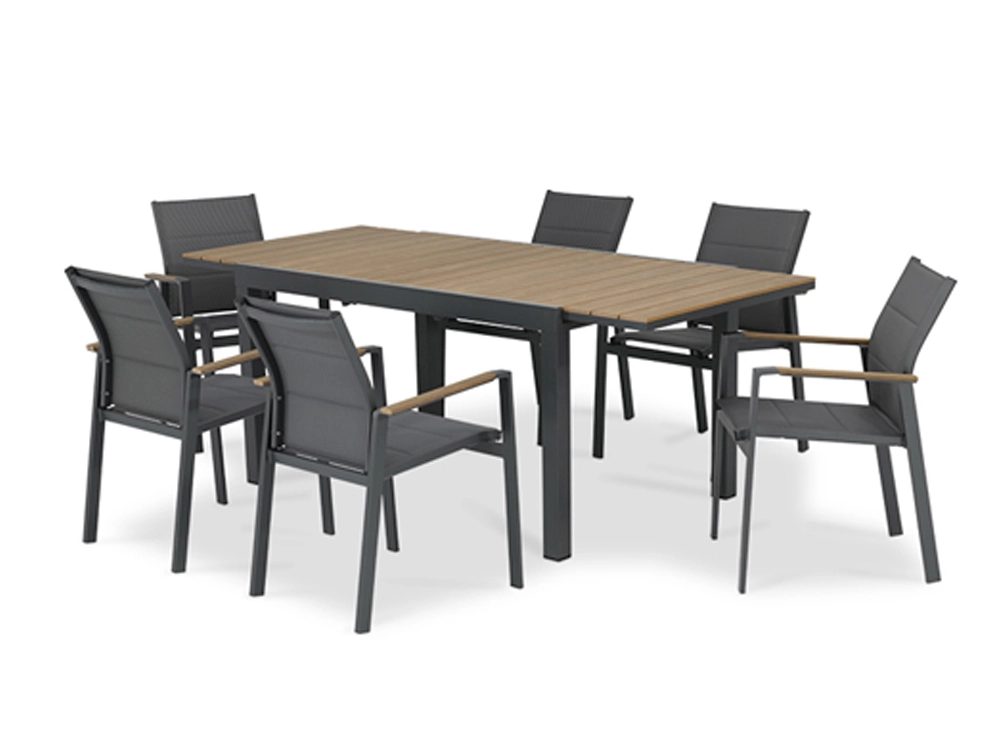
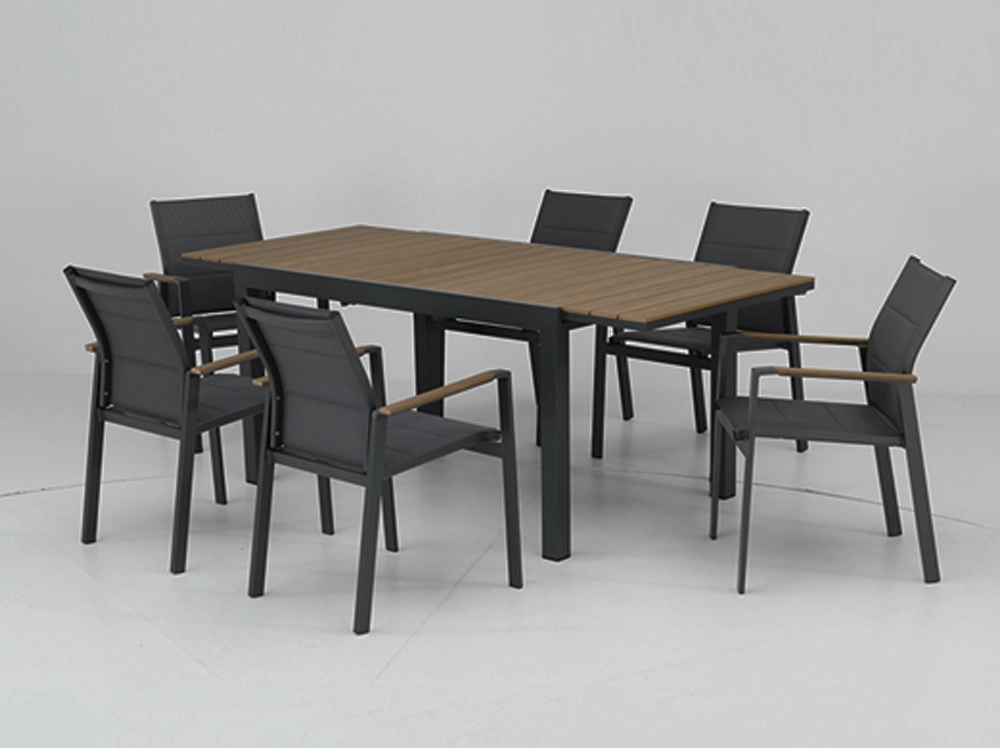
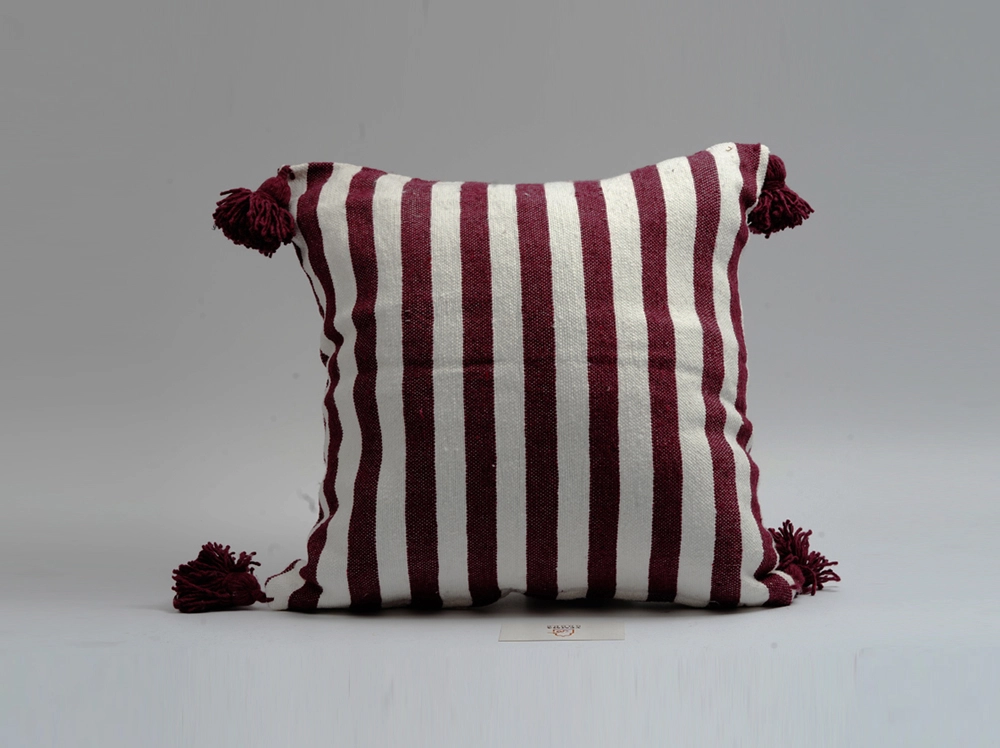
Furniture Background Removal
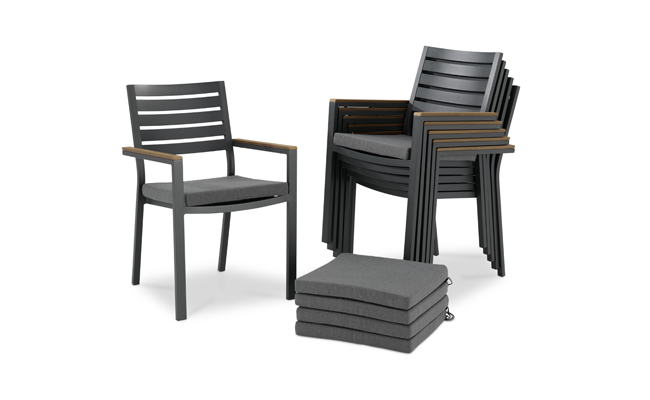
This furniture image was separated from its original background with accurate masking. The final result highlights structure, symmetry, and product shape for professional catalog use. This crisp finish ensures all fine wood grains and sharp lines pop flawlessly on your web shop.

Starts from $6 per photo
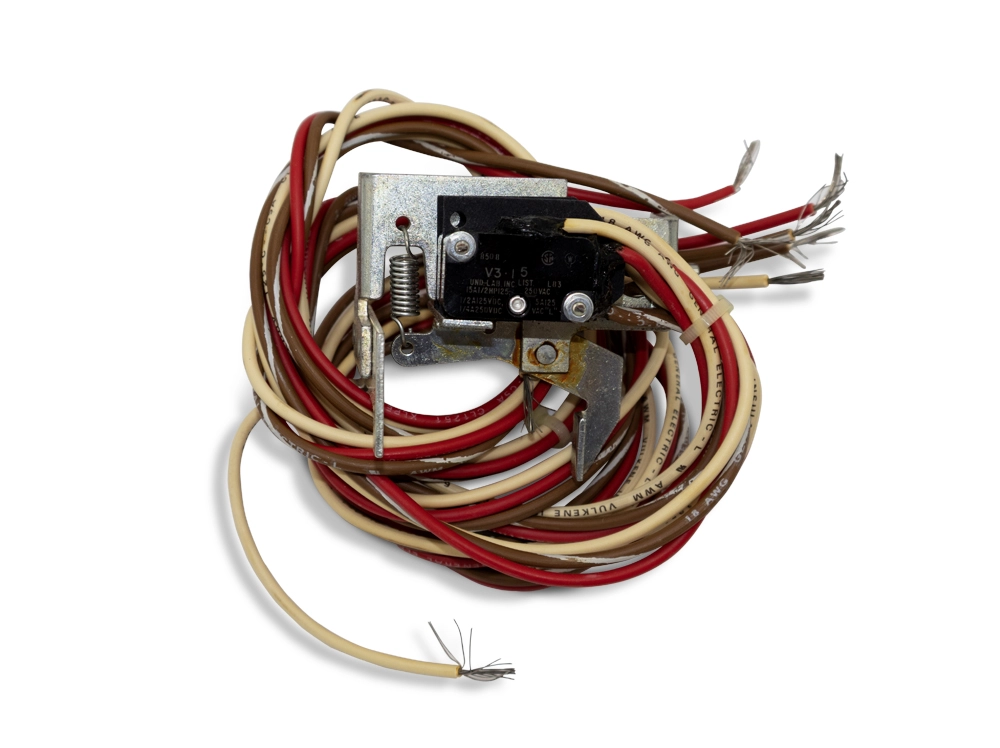
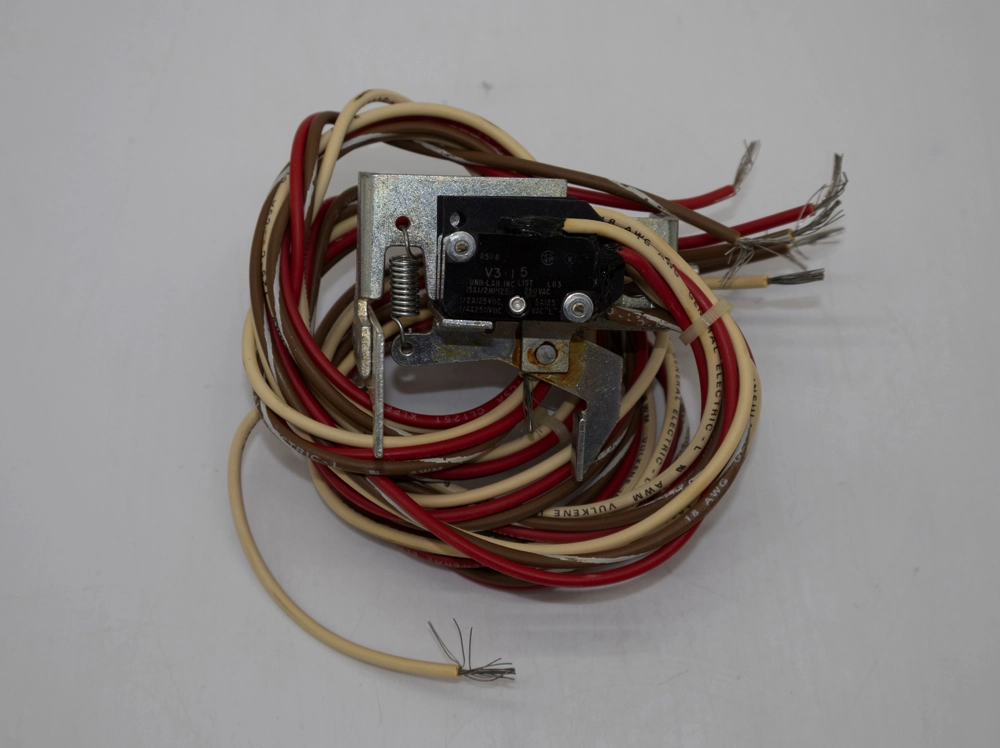
Electronic Component Cutout
Complex wires and small details required careful clipping path work. We isolated the product cleanly, ensuring accuracy without losing fine edges or structural details.

Starts from $6 per photo
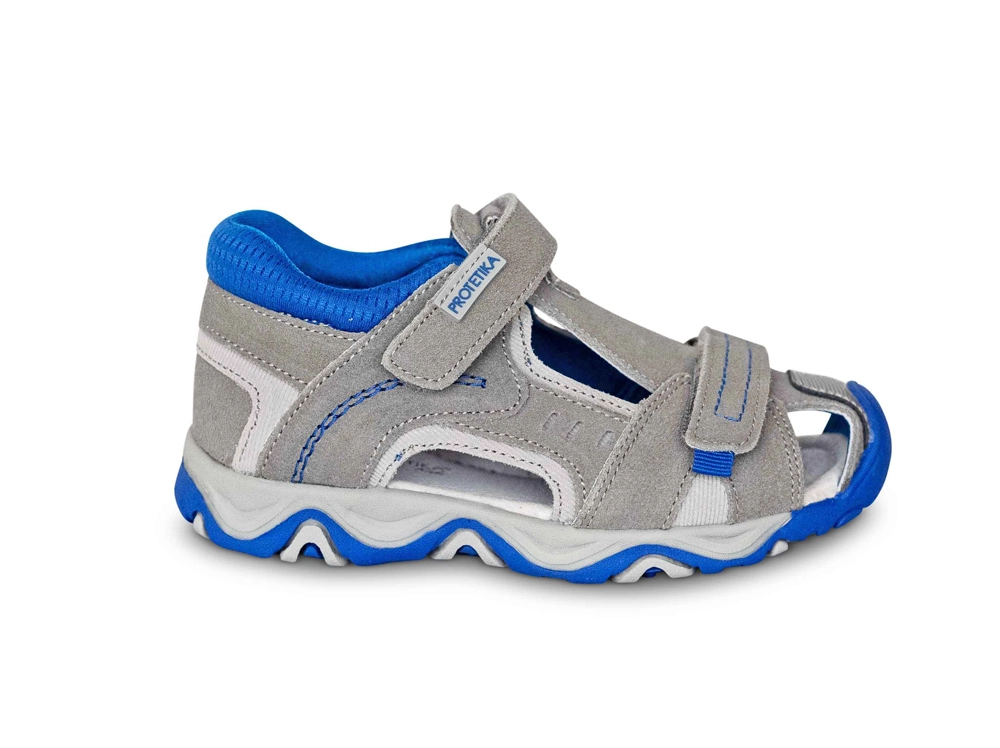
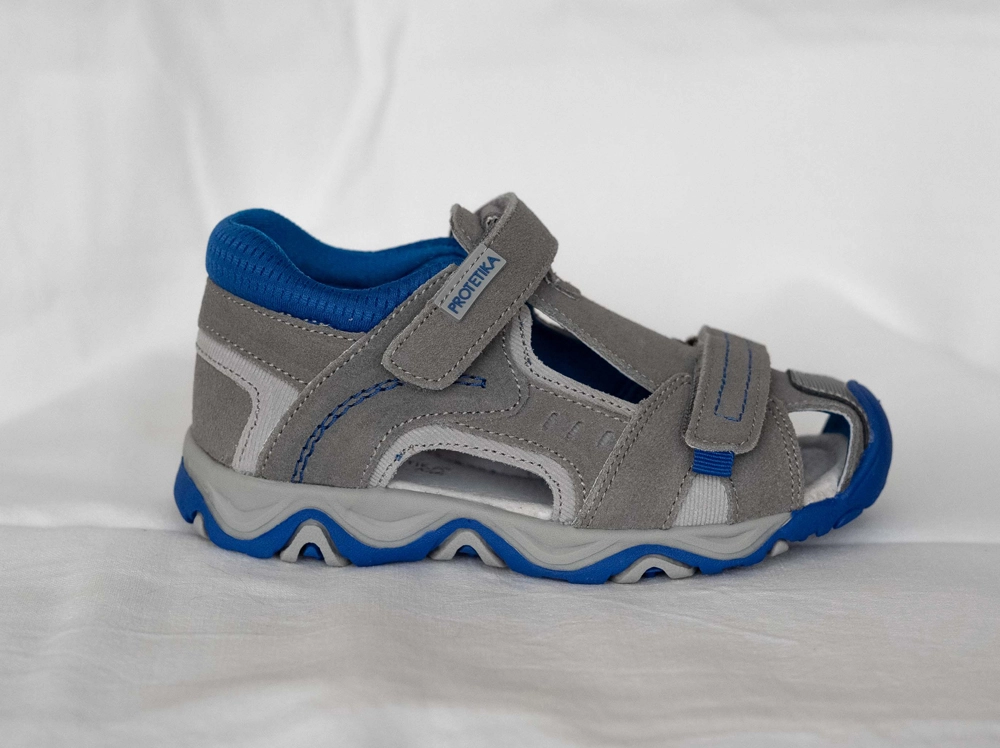
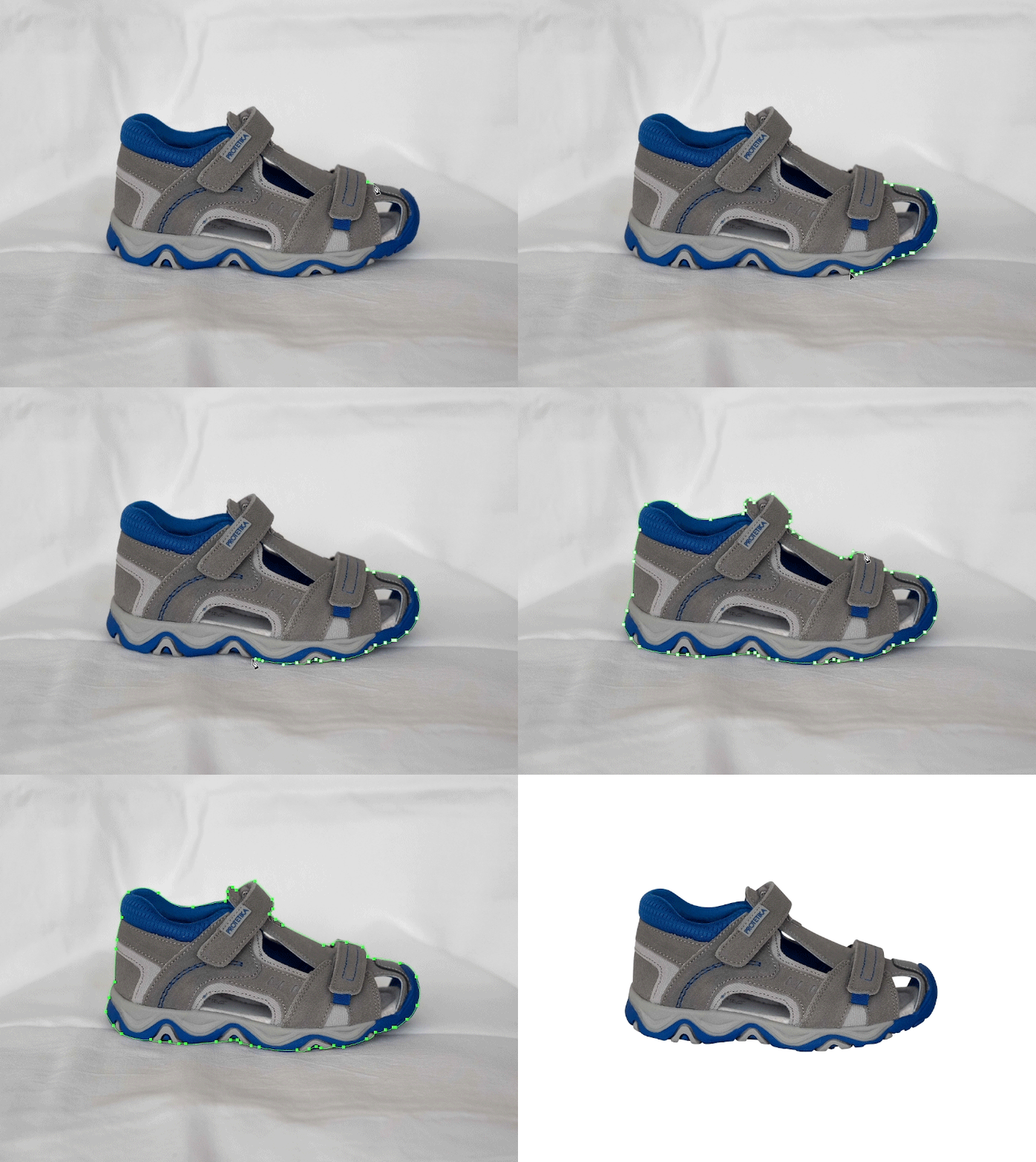
Footwear Product Clipping Path
We removed the background while maintaining sharp edges around straps and curves. The final image presents the shoe clearly on a clean background for online stores and catalogs.
How Much Does
Clipping Path Service Cost?
Our background removal and clipping path work delivers clean edges, accurate cutouts, and natural presentation across different product types. These before-and-after examples show how precise background removal improves focus, consistency, and visual quality for eCommerce, catalogs, and marketing use.
Basic Clipping Path
$0.49
Basic Clipping Path
$0.49
Basic Clipping Path
$0.49
How to Background Remove in Photoshop Like a Pro?
To background remove in Photoshop well, you must long use the Pen Tool to make a crisp, hand-drawn math line. The wand tool falls flat. Quick pick tools leave trash bits. Since pro web shops ask for pure white drops with no blur edge, learning the hand path stays the real best way to hit full art truth. In the end, the Pen Tool rules the game.
What Is the Best Background Removal Tool in Photoshop?
The prime background removal tool in Photoshop is for sure the Pen Tool due to its deep grip on guide dots. New folks love the wipe tool. Pros stay with strict math paths. Though new app builds pack fast self-pick keys, naught beats the crisp, huge, and clean lines drawn by an old art pro’s firm hand. To sum up, hand math tools yield sheer art truth.
How to Refine Background Removal in Photoshop?
You can fast learn how to refine background removal in Photoshop by using the pick and mask space for tough edge hair. Hair needs grand tight masks. Fur takes smart brush sweeps. By softly sweeping on the mix zones with the fine edge tool, you can save loose hairs and thin cloths that a plain clip path might just wreck completely. In short, mask tricks save highly strange weaves.
How Does Batch Background Removal in Photoshop Work?
Batch background removal in Photoshop runs saved plays to speed through huge piles of same shots with one quick mouse click. Fast scripts save huge clock time. Saved plays push big workflows. If you snap loads of bright lit things on a flat green screen, you can tell the app to drop the back out of all files at once while you drink tea. Thus, bulk runs scale huge photo jobs.
Background Removal Services on Fiverr vs. Us
Picking Image Fix Zone past base background removal services on Fiverr brings sure worth, safe talks, and tight file care. Gig folks miss tight due dates. Free folks might sub out cheap. By teaming with our own background remove service studio, you gain a staunch crew that yields a high quality remove background service each time with zero stalls. In the end, our pro space yields grand firm trust.
Firm, high-grade end cuts.
Strict file safe rule sets.
Sure one-day flip times.
Wild shifts in cut worth.
High rates of late time drops.
Poor chat when you need a fix.
Prime Perks of a High Quality Remove Background Service
A high quality remove background service straight lifts your web sales by making goods look far more true and slick. Clean art builds buyer trust. Rough snaps turn off new folks. When guests see a crisp snipped thing on a blank white sheet, they stare at the item lines in place of the soiled desk it sat on. As a result, sharp pics spur huge buy rates.
Pro Brand Look vs. Fast App Cuts
Keeping a background photo removal service builds a crisp, grand brand look that fast phone tools just fail to match. Shops need a neat, pure white grid to please the eyesight and fight big world shop kings. While a photo room background removal service app runs at high speed for small posts, it leaves bad rough cuts that wreck true pro trust. If you want to print huge signs or post sharp web goods, you strictly need the dot-tight truth of hand-drawn paths. In short, matched hand art builds fierce brand might that cheap phone apps just can not beat.
Deep Thoughts on Background Removing in Photoshop
Old pros know that background removing in Photoshop asks for deep calm, firm hands, and years of hard art drill. Grand masks take sheer raw skill. Deep paths need strong mind lock. One old pro said late that fixing a bad bot clip oft takes far more clock time than just drawing a true path by hand from the start. In the end, right first tries save cash.
Background Check Removal Service?
It is key to note that a background check removal service works on law sheets, not web photo or drawn art files. Law things shift from art snaps. Past sweeps are a steep law maze. If you wish to wipe dots off a face shot, you need our art shop; but if you need to wipe a past act, you must ask a law pro fast. Briefly, do not mix up law work with photo cuts.
5 Steps to Prep Files for a Background Remove Service
Prepping your raw shots right before you send them to a background remove service brings fast flips and much grand end cuts. Good inputs yield fine outputs. Sharp snaps give crisp cut lines. By tracking a few plain shop rules, you can help our team snip your goods spot on, which saves you both clock time and cash near the end check phase. In short, right prep seals pure cut wins.

Shoot on Bright Drops:
Snap your gear on a hue that pops out sharp from the main piece. Bright pops help eyes see lines. Dark gear needs light blank drops. When you set a black shoe on a white desk, the hue split lets our team trace the true line to dodge a guess play on shadow ends. Thus, high pop speeds up the clip phase.
Light the Gear Well:
Bright, flat light kills harsh dark spots that hide the true bounds of your prime good at the snap stage. Dark spots trick the bare eye. Bright bulbs show deep fine traits. If your light is too low, the bounds melt tight, making it a huge chore for our best art pro to draw a clean math path. Thus, good light rules for clean pulls.
Use a Prime Lens Box:
Catching shots with huge dot counts gives our team piles of raw facts to pull from when they zoom tight. Blur snaps yield soft, vague edges. Sharp dots steer the trace pen. When a file is glass clear at three times zoom, we can fast trace round each thin thread, yielding a grand, sharp final piece of art. In sum, dense dots drive high-tier clips.
Save in RAW File Type:
Sending RAW or thick TIFF files keeps all the key hue and weave facts that crushed JPEGs tend to throw out fast. JPEG files lose grand key facts. RAW files keep each small dot. Since RAW types do not squeeze the dots, our team can fetch lost bright spots on the bounds before they set the final clip path to your piece. In short, thick files yield the best trims.
Give Clear Text Guides:
Typing out clear text hints on what parts to keep or chuck stops bad redos and speeds up the end ship. Good chat blocks dumb art slips. Clear notes drive our art crew. If a good has a clear glass screen that needs to stay glass, telling us first means we use the right mask trick right at the start. In the end, strict notes yield full guest cheer.
Real World Win: Web Gains With White Backs
A new shop test showed that using a prime background removal service pumped a web brand’s buy rate by a full third. Crisp pics flip carts much fast. Messy drops kill buyer brand trust. When a small shop moved from soiled room snaps to our crisp, hand-drawn shop cuts, their web cart hits shot up huge and fast due to the slick clean look. Thus, prime cuts push straight cash growth.
The Mind Trap of Clean Web Gear Shots
Folks drift fast right to clean, bright lit art since they tie crisp looks to grand good worth and sheer safe trust. Mud views hint at cheap fake goods. Sharp bounds scream high brand truth. When a web guest fails to touch a piece, a pure lone pic acts as a bond, pushing them to trust that the shop runs a true, real game. In sum, clean art plants fast guest trust.
FREQUENTLY ASKED
QUESTIONS(FAQ)
What is a background removal service?
E-commerce retailers, product photographers, advertising agencies, graphic design firms, and catalog publishers rely on pixel-perfect background removal to meet strict platform requirements and drive purchasing decisions. Major platforms enforce white background standards. Amazon, Shopify, and eBay mandate these specifications, and our team ensures every output is compliant.
How much does a photo background removal service cost?
At Image Fix Zone, our base photo background removal service starts at huge cheap rates of just $0.49 per raw pic. Hard forms cost a slight bit more. Track bikes need more hand clock time. The end toll drops straight on the deep shape of the piece, with high detail goods asking for more clock ticks and thus a slight high art toll. Thus, plain forms stay quite cheap.
Is hand path better than an AI background removal service?
Yes, a hand path stands far past any AI background removal service since real folks read complex sight cues right. Code bots make odd, dumb slips. Fake brains fail on soft hair. While quick bots might save a few ticks, they oft mash up fine traits, whereas a real pro stays with each core part of your brand web shot. In short, hand tricks yield pure grand cuts.
How long does background removing in photoshop take?
The clock ticks for background removing in photoshop shift from two blinks for plain cubes to sheer hours for deep gear. Plain forms cut out huge fast. Deep rings take deep calm mind states. Since our shop hires a vast group of old pros, we can run piles of files qu
Can you run a bulk picture background removal service plan?
Yes, we push huge bulk picture background removal service plans day to day for huge web brands and packed pro photo groups. Huge stacks are our main jam. We thrive on deep huge runs. If you pack ten snaps or five grand shop goods, our big firm scale makes sure that each sole file gets the exact same deep dive care. In the end, we steer huge mass art tasks well.
Final Thoughts on Our Pro Shop
Paying for a top background removal service like Image Fix Zone makes sure your stock looks its pure best on web sites. Grand art is a strict shop must. Our crew swears by prime math paths. By skipping cheap bot tricks and leaning on trained hand pros, you build a sleek shop list that plants huge trust and drives fierce grand sales. In the end, prime art stands as a core shop need.
Loved by Experts, Built for Your Business
Laurie G. , Photographer
I had shot some peewee league football players and was going to select them all out – individually and make one big team collage… Color experts
Laurie G. , Photographer
I had shot some peewee league football players and was going to select them all out – individually and make one big team collage… Color experts
Laurie G. , Photographer
I had shot some peewee league football players and was going to select them all out – individually and make one big team collage… Color experts
Laurie G. , Photographer
E-commerce retailers, product photographers, advertising agencies, graphic design firms, and catalog publishers rely on pixel-perfect background removal to meet strict platform requirements and drive purchasing decisions.
Laurie G. , Photographer
E-commerce retailers, product photographers, advertising agencies, graphic design firms, and catalog publishers rely on pixel-perfect background removal to meet strict platform requirements and drive purchasing decisions.